
Written by Eric Gockel
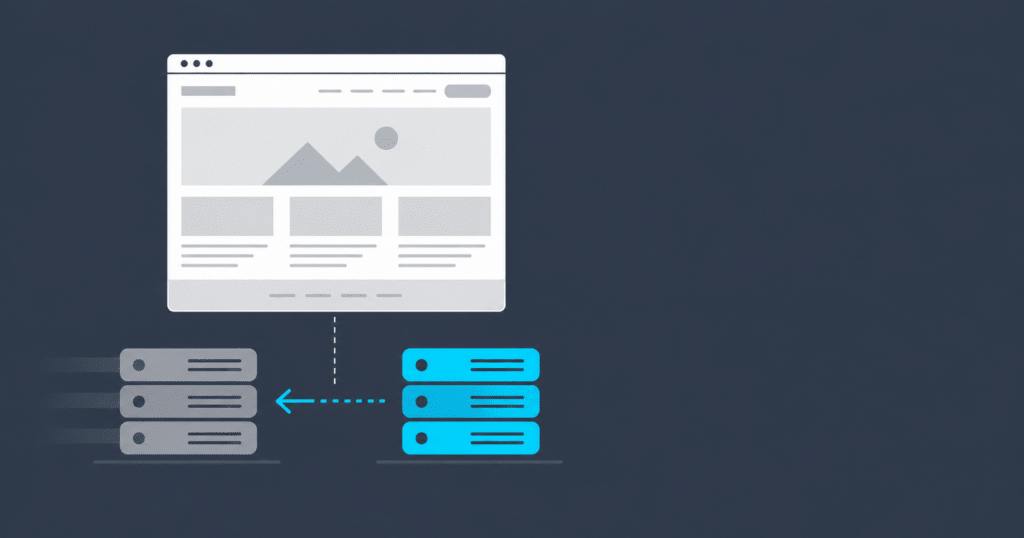
Replatforming is moving your website to a different content management system (CMS) while keeping what visitors see. The design stays, the URLs stay, the content moves. It’s the project people reach for when the CMS has become the problem, and it’s usually smaller than the redesign they were bracing for.
Ready to move off a legacy CMS? Here’s how we replatform sites: assess, map, rebuild, cutover. CMS replatforming
Your CMS is the problem, not your design
You’ll know. Security patches for your version slowed down and then stopped. The developers who know the platform are getting harder to find and more expensive when you do. Your host keeps warning you about the PHP or .NET version the site depends on. Every small change turns into a ticket, because the content that changes most often lives in templates instead of in entries your team can edit.
None of that is a design problem. A new look on the same engine leaves every one of those issues in place, and it usually makes the next migration harder, because now there’s a fresh set of templates to port.
It cuts the other way too. If the platform is fine and the site just looks like 2016, that’s a redesign, and you don’t need to touch the CMS.
What you’ll still have to do
The design carries over, but the content doesn’t move itself. Best case, it exports from the old system and imports into the new one after a few rounds of cleanup. Some of it gets re-entered by hand, which doubles as training for the team that will be running the new site.
Integrations are the part people forget. Member logins, event registration, payment, a CRM, a newsletter tool: each one has to be re-wired on the new platform, and each one is a place a migration can quietly break. That’s why our process starts with an inventory before anyone writes a line of code.
Replatform now, redesign later
Clients often see a redesign as the moment to switch platforms, or the other way around. Doing both at once is a real option, but it’s also fine to change the engine and leave the body alone.
We’ve done it that way more than once, and the pattern holds up years later.
NH&RA came to us on DotNetNuke with a member system wired into everything. We moved the site to WordPress with the member login intact and the look largely carried over. Four years later, when the organization had outgrown the first build, we redesigned it on the same platform, and the redesign was a design project, not another migration.
Down Under Endeavours was on a custom CMS nobody could extend. The site moved to WordPress, kept its design, picked up mobile layouts and an email integration along the way, and the team got an editor they could actually use.
Tax Credit Advisor is the other shape this takes: a publication that had lived inside its parent association’s site, spun out onto its own WordPress site with its own editorial tools and subscriptions.
On projects like these we make small interface fixes as we go, but the basic look stays. Once the site is on a platform the team can run, design improvements happen in smaller pieces, on a schedule, with conversion data to guide them.
Sometimes the CMS isn’t the legacy part
Occasionally the public site is already on a modern platform and the thing holding it back is underneath: a data layer or an API from an earlier era. IASG ran its managed-futures database through a legacy .NET API long after the front end had moved to WordPress. In 2026 we replaced the API with one built on the WordPress side, with every page and URL untouched. Same principle as a replatform, one layer down.
If you’re moving hosts, do it in the same window
A replatform is the cheapest moment to change hosting, because the new site is being stood up somewhere anyway. Build it on the new host, keep the old site warm on the old one, and cut DNS over when everything checks out. Moving hosts on a live site, separately, means doing the risky part twice.
What it costs and how long it takes
Both come down to the same three things: how much content you have, how much custom functionality is in the site, and how many integrations hang off it. That’s what the assessment is for. It produces a real scope, and a fixed one, so you’re not signing up for open-ended hours.
Splitting design off and tackling only the replatform gets you a shorter project and a smaller budget. Your team gets back to publishing on a platform that doesn’t fight them, and the redesign, when it comes, starts from clean templates instead of another migration.
Not sure which comes first for your site? Tell us what you’re running and what’s pushing you off it. We’ll tell you what a migration actually involves. Start with the assessment