
Written by Eric Gockel
We put Cloudflare Turnstile on the cre8 contact form in June.
Four months later, the same junk was still coming in. A paragraph of Russian text. A link wrapped in BBCode, the [url=][img] tags you only ever see on a forum. A throwaway mailbox that will never read a reply.
The widget was working. It just wasn’t doing the job we thought it would.
What a CAPTCHA actually checks
A CAPTCHA asks one question: is there a person at the keyboard?
For a long time, the answer for spam was no. A script would load your page and post a form a thousand times. The widget stopped that cold, and it still does.
The spam that gets through today is different. It runs through solver farms. The sending software hands each challenge to a service, a low-paid human or a model trained on the puzzle, solves it, and the token comes back in seconds. The widget asks “is this a person?” and the farm, honestly, says yes. Turnstile, Google reCAPTCHA, the checkbox, the puzzle. It does not matter which one you run. They all ask the same question, and the farm has the same answer.
So swapping to Turnstile wasn’t wasted. It removed a Google cookie from our site, which mattered for our privacy posture. It just never had anything to do with spam.
The five settings that stopped it
Our form runs on WPForms. Every setting below lives in the form builder, under Settings, then Spam Protection and Security. It is per form. Ten minutes of work covered it.
1. Modern anti-spam protection. A render token. When your page loads, the plugin stamps the form with a token tied to that page load, and the token expires. It rejects submissions without a valid, unexpired token.
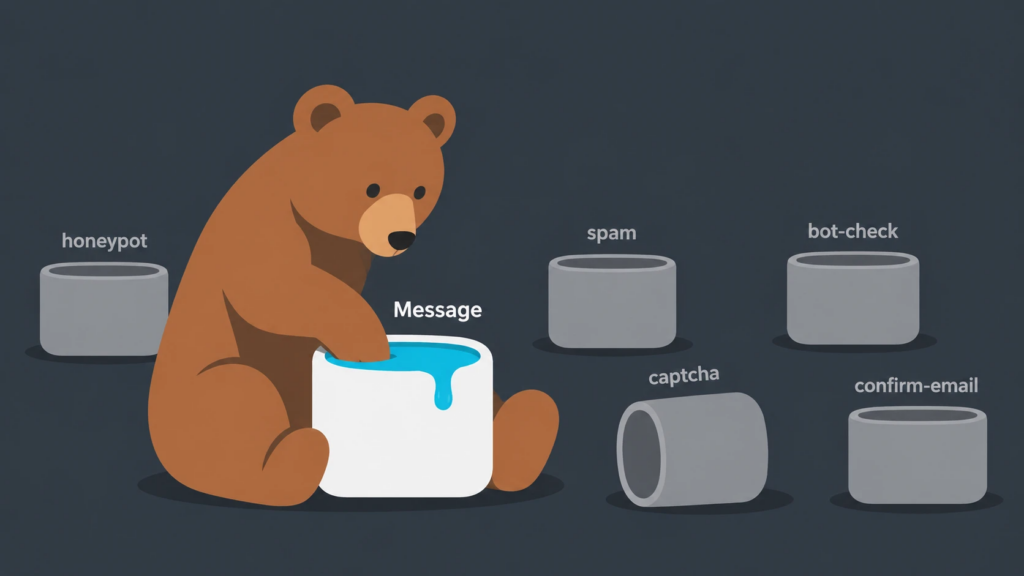
This replaced the honeypot: a hidden field a person never sees, and a bot fills in anyway. Spam software learned long ago to skip hidden fields. WPForms still offers the honeypot as the “legacy” option, and our own form was still on it until this week, because nobody rereads a settings page that was fine when the form was built. Switch to the token. It is free, and your visitors never see it.
2. Minimum time to submit. A person reads the form, thinks, types. A spam pipeline posts as soon as the page finishes loading, often within the same second the token was issued. We set the floor at six seconds. Nobody who wants to hire us fills out a name, an email, and a message in under six seconds. If you have a one-field newsletter form, go lower. For a contact form, aim for five to eight seconds.
3. Country allow-list. Geo-filtering by the submitting IP. We work with companies in the United States, Canada, the United Kingdom, Germany, and Australia, so the form accepts only those countries. Everything else gets filtered. This is the setting people hesitate on, so be honest about where your leads come from. If you have never closed a deal from outside your home country, the allow-list costs you nothing and solves most of the problem on its own.
4. Keyword filter. The plugin ships with a sample list of phrases to block. Read it before you turn it on. Ours included “search engine optimization,” which is a phrase a real prospect could type into our form, since that is a service we offer. We removed it. Then we added what we were actually seeing: the BBCode tags, the domains the spam linked to, and a handful of the Cyrillic fragments that kept repeating. The list is checked against the whole message. The keyword list is shared across every form on the site, so a word you block here is blocked on your quote form too.
5. Store spam entries. Filtered submissions can be discarded or kept in a Spam folder for review. We keep ours because we check the folder, and that is how we would catch a real lead the filters misjudged. If nobody on your team is going to look, leave this off. A spam folder nobody opens is just a database that gets bigger.
If it still leaks
The next step up is Akismet, the same service that has filtered WordPress comment spam for years, connected to the form plugin with a paid key. It scores each submission against what it is seeing across the network, so it catches a campaign the first time it hits your site instead of the fifth. We have not needed it. The five settings above are free with the plugin you may already own, so try them first, give it a week, and try Akismet only if the Spam folder shows the filters missing something.
Free version vs paid
On the free tier of WPForms you get settings one and two: the anti-spam token and the minimum time. That alone cuts a lot. The country filter, the keyword filter, and the stored Spam folder are paid-license features. If your form is on the free version and you get a few junk emails a week, the two free settings plus your CAPTCHA may be enough. If it is a few a day, the paid license pays for itself in the time your team stops spending on deleting.
Ten minutes, this week
Open the form. Find Spam Protection and Security. Turn on the token and the time floor. If you have the paid tier, set the countries you actually sell to, read the keyword list before enabling it, and decide whether anyone will check the Spam folder.
Then leave the CAPTCHA exactly where it is. It is doing its job. It was just never a spam filter.
FAQ
Why am I still getting spam with reCAPTCHA on my contact form?
Because reCAPTCHA checks whether a person is present, and modern spam operations pay people or use trained software to pass that check for them. The widget stops automated scripts. It does not stop a pipeline with a human in the loop. Content and behavior filters in your form plugin are what stop that.
Is Cloudflare Turnstile better than reCAPTCHA for spam?
Not for spam. Both ask the same question, and the same solver services clear both. Turnstile has a real privacy advantage because it doesn’t set a Google cookie, and it is less annoying for visitors. Choose it for those reasons, not for spam.
What is the minimum time to submit setting in WPForms?
It rejects any submission that arrives faster than a set number of seconds after the page loads. Real people take time to read and type. Spam software posts almost instantly. Six seconds works for a typical contact form.
Will a country filter block real customers?
Only if you sell to countries you did not list. Look at where your actual leads and clients come from before setting it. If every deal you have closed is domestic, allow your home country and your neighbors, and you lose nothing.
Do I need Akismet for my contact form?
Start with the free filters in your form plugin. Most sites do not need more. Add Akismet if, after a week or two, spam is still reaching your inbox or your Spam folder shows the filters missing it.